Shift logo

Supplier resources ›
Website

On this page
We’ve provided a number of options for adding Shift Trade messaging to your website.

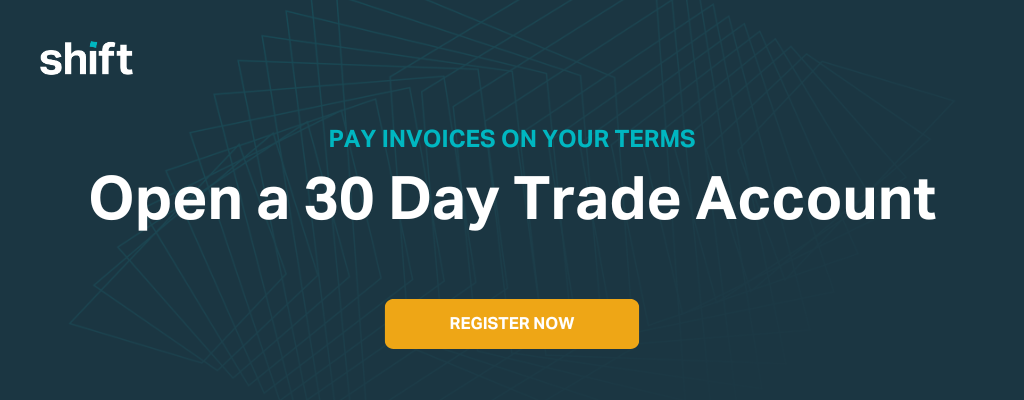
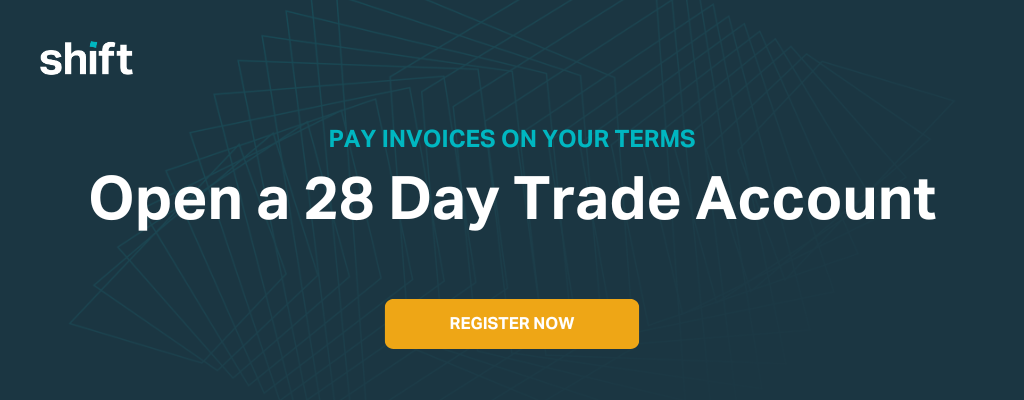
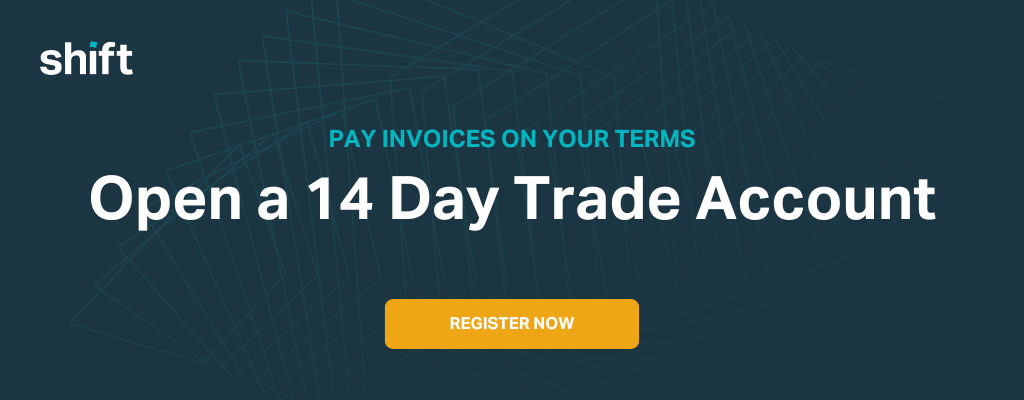
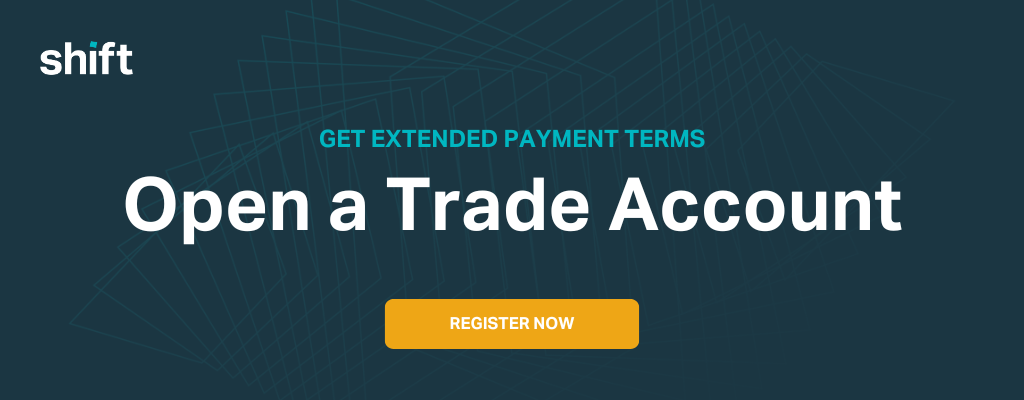
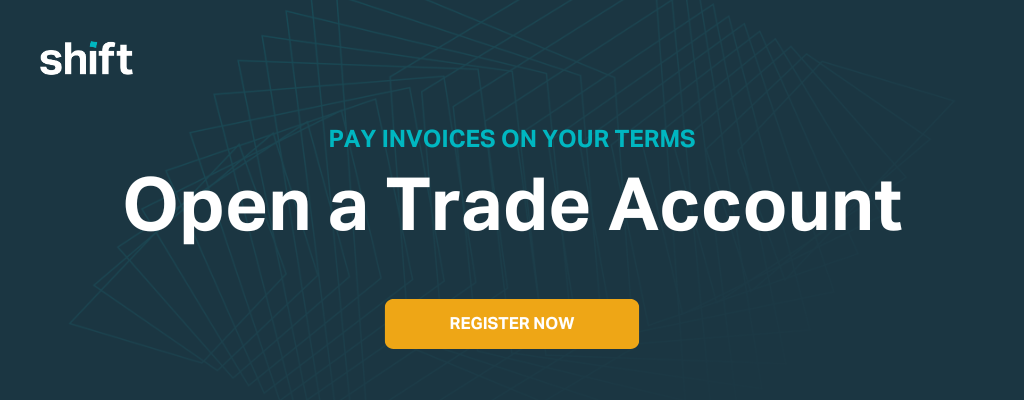
Banner image

Banners should be relatively simple to add to your website. It’s simply an image file that you should be able to upload to your content management system and place in the appropriate location.
Download banners 

Top strip banner

A top strip banner is also fairly simple to add to your website but requires a little more understanding of how your website is built.

Instructions

  1. Log in to your website’s Content Management System (CMS)
  2. Edit the page on your website where you would like to add the top strip banner
  3. Copy and paste the following code:

<div style="width:100%; background-color: #00b7c1; height: 50px;">
<a href="INSERT LINK TO PAYMENTS PAGE">
<img src="https://download.shift.com.au/assets/merchants/shift_topstrip_trade" alt="Shift - Open trade account" style="float: right;">
</a>
</div>

  1. Add your payments page URL as indicated
  2. Save your updates

Widget

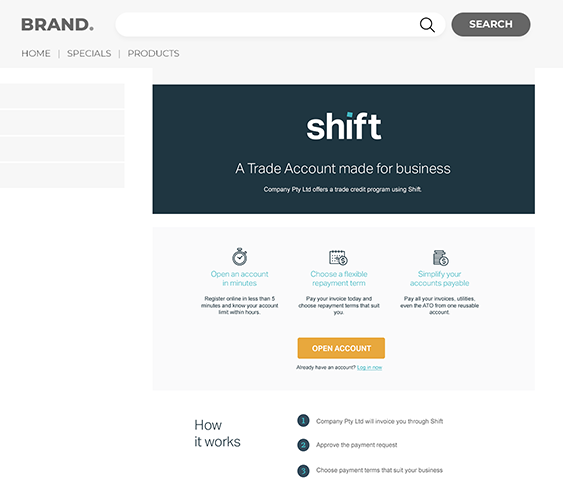
The widget is a piece of code which will display a more extensive explanation of how Shift Trade works. It’s not particularly complicated to implement but it definitely requires some understanding of how your website is built.

The benefit of the widget is that it pulls in information and visuals from Shift. This means that, when Shift updates that information, it is automatically updated on your website.
Instructions

  1. Log into Shift Trade
  2. Make sure you’re in the ‘Accounts receivable’ section (use the dropdown at top right of screen if you’re in ‘Accounts payable’).
  3. Select ‘Resources’, then ‘Website assets’.
  4. Choose your ‘Terms’. Select the ‘Landing page’ tab and ‘Copy code’ for the website asset you would like to use.
  5. Log in to your website’s Content Management System (CMS)
  6. Edit the page on your website where you would like the Shift Trade content to appear.
  7. Paste the code into the main body of the page using a custom HTML module.
  8. Save your updates.
chevron-down