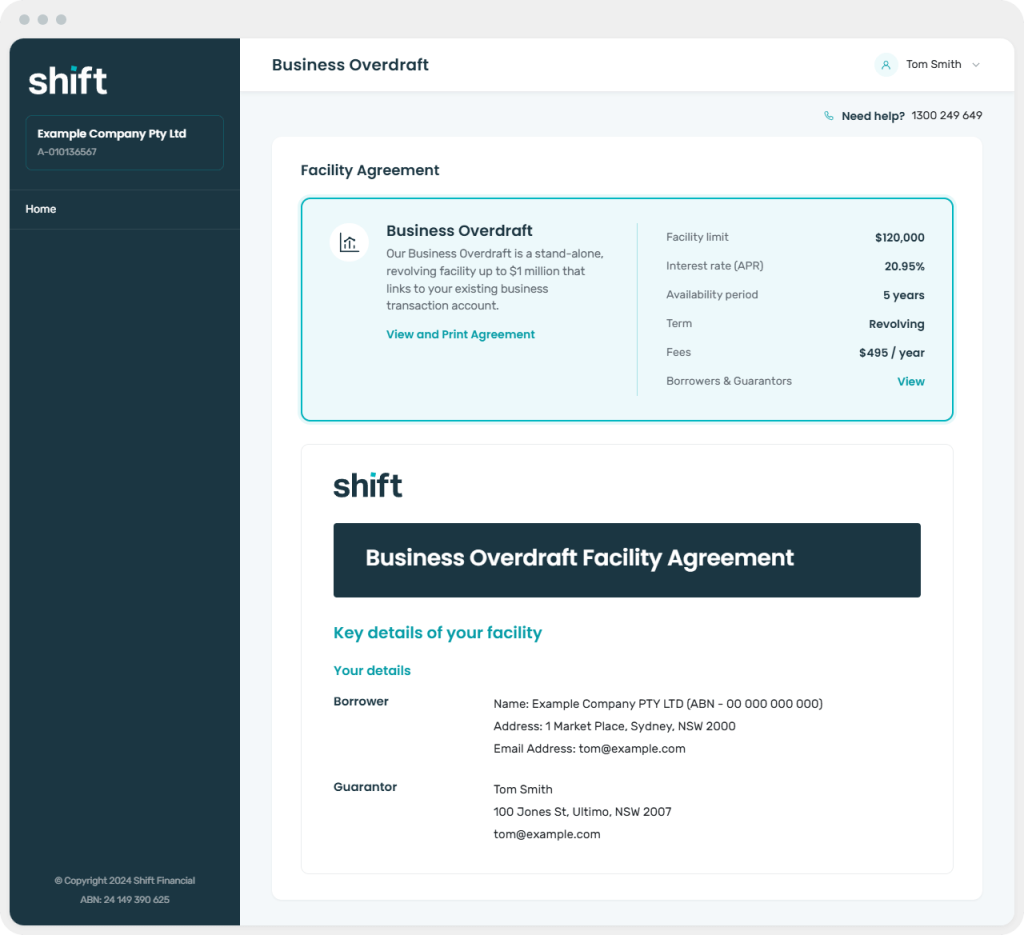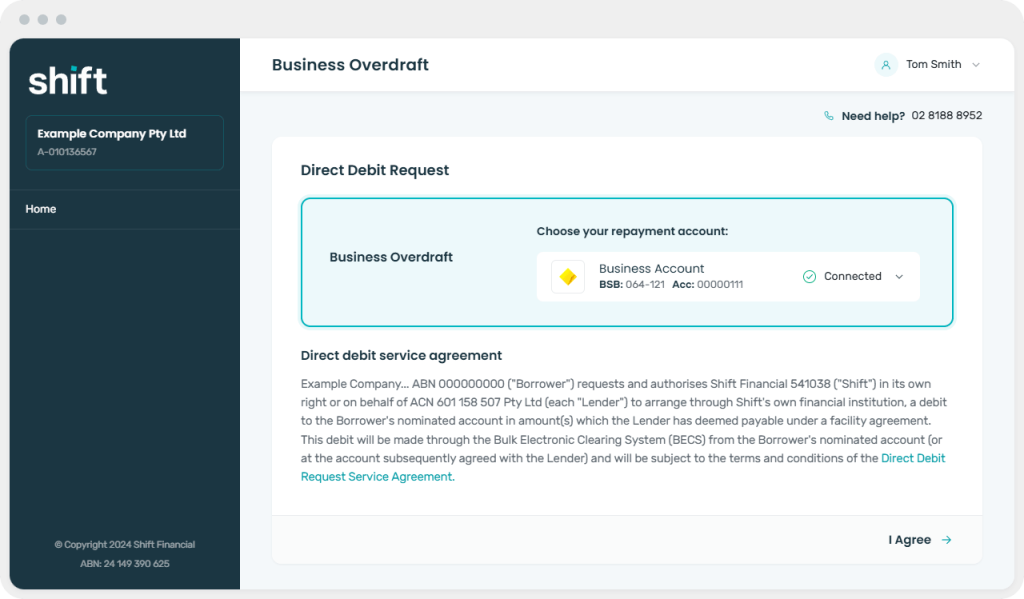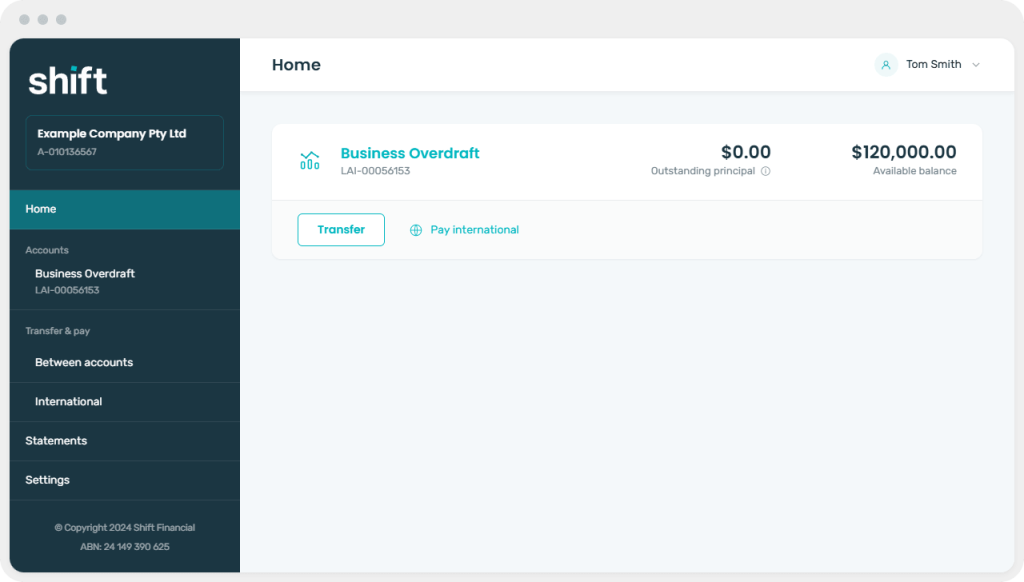
When an application is approved, you’ll receive a notification. Log in to Shift Connect and open the approved application.
If beneficial-owner information is required
Shift Connect will display a prompt within the application
Select the individuals who hold shares of 25% or more of the borrowing entity, or add any beneficial owners not already shown
Complete the requested information for each person. If adding new shareholders, ensure you fill out all personal information and send an invite accordingly. They will be required to complete appropriate KYC steps
Save the information and continue with the application
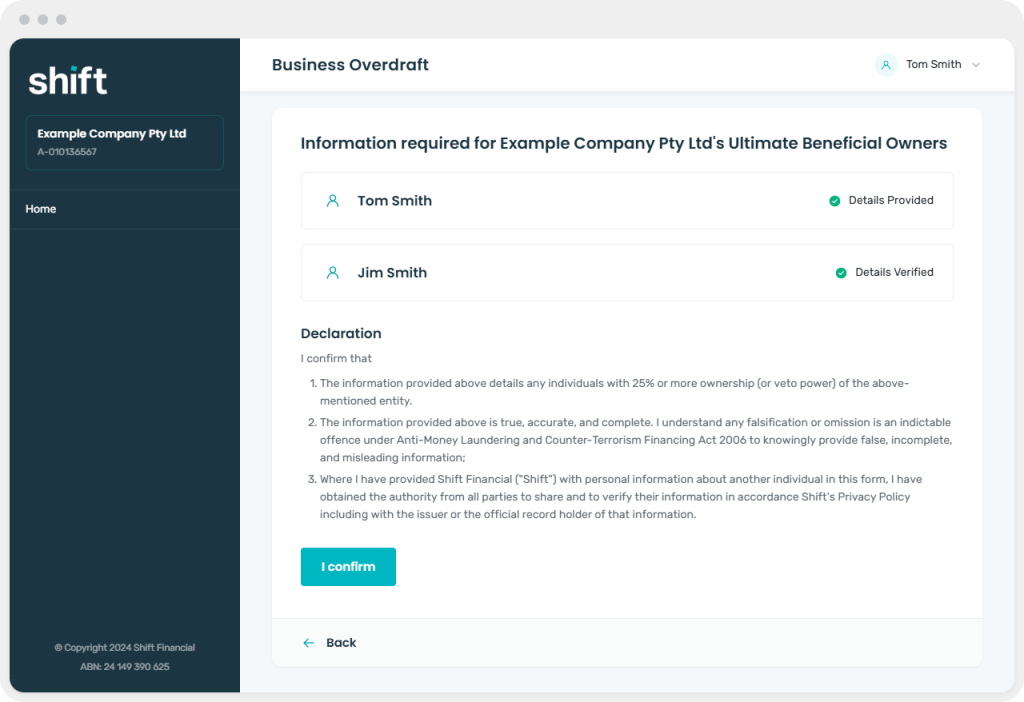
The customer will still need to review and complete the beneficial-owner declaration in Shift Online
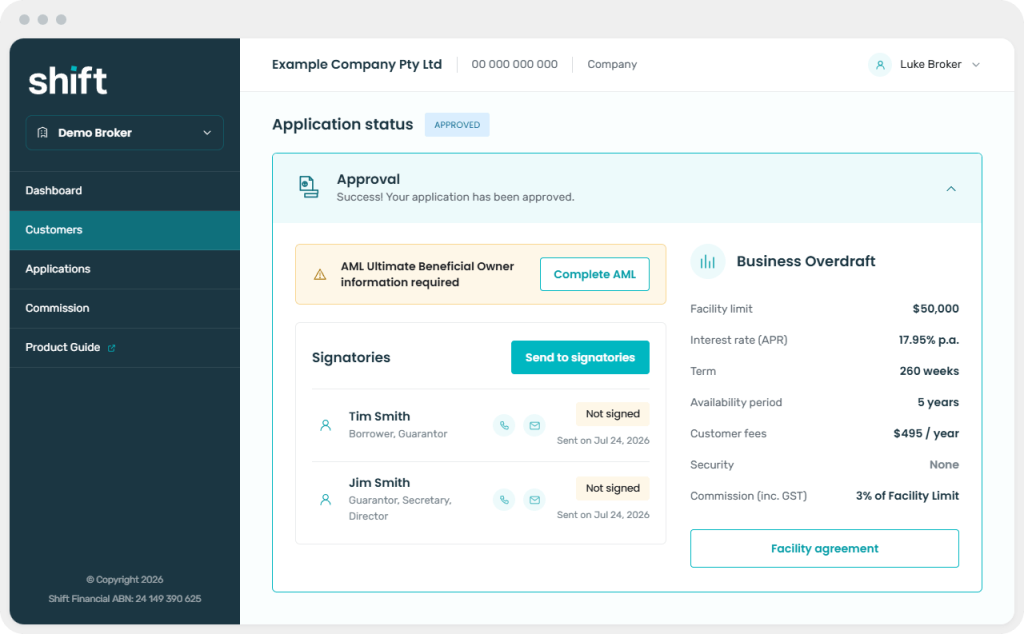
What your customer sees:
Review the approved product, facility amount, term, pricing, fees, commission and any conditions shown
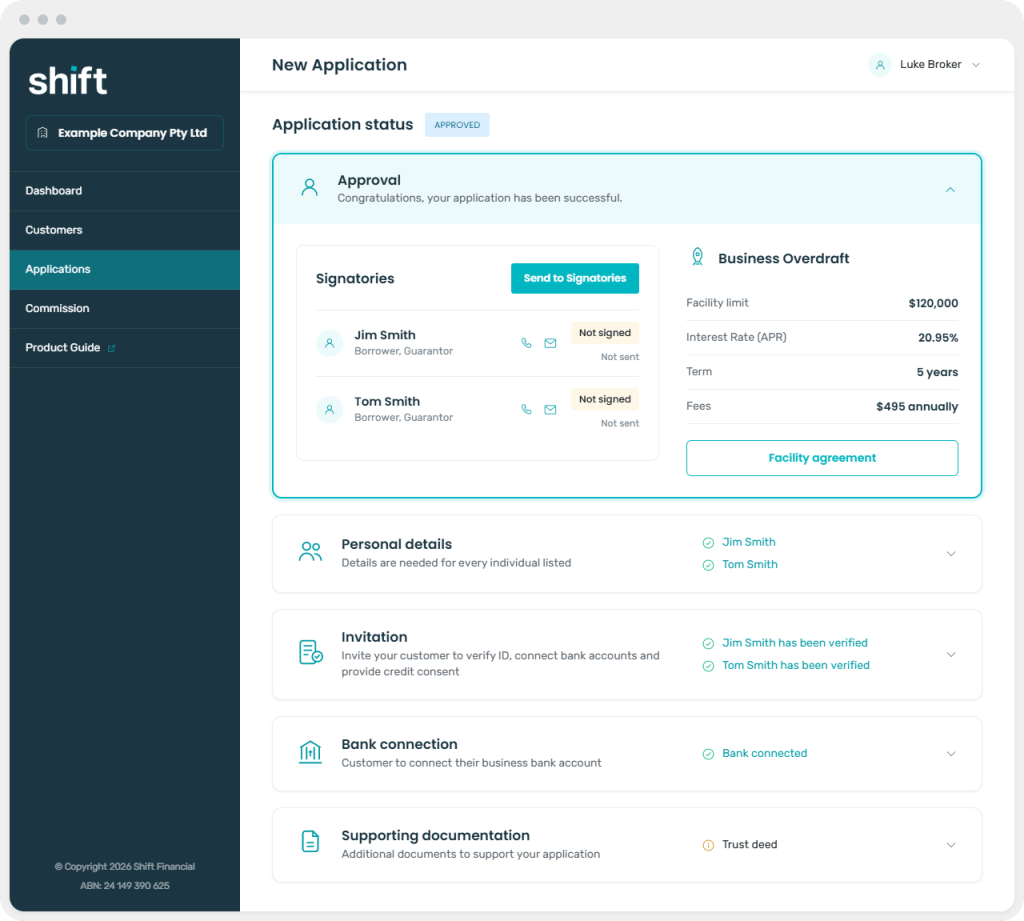
Open or download the Facility Agreement if you’d like to review it before sending
Select ‘Send to signatories’
What your customer sees: