
View and download your financial statement each quarter to see a summary of your account activity — including repayments, fees, and available balance.
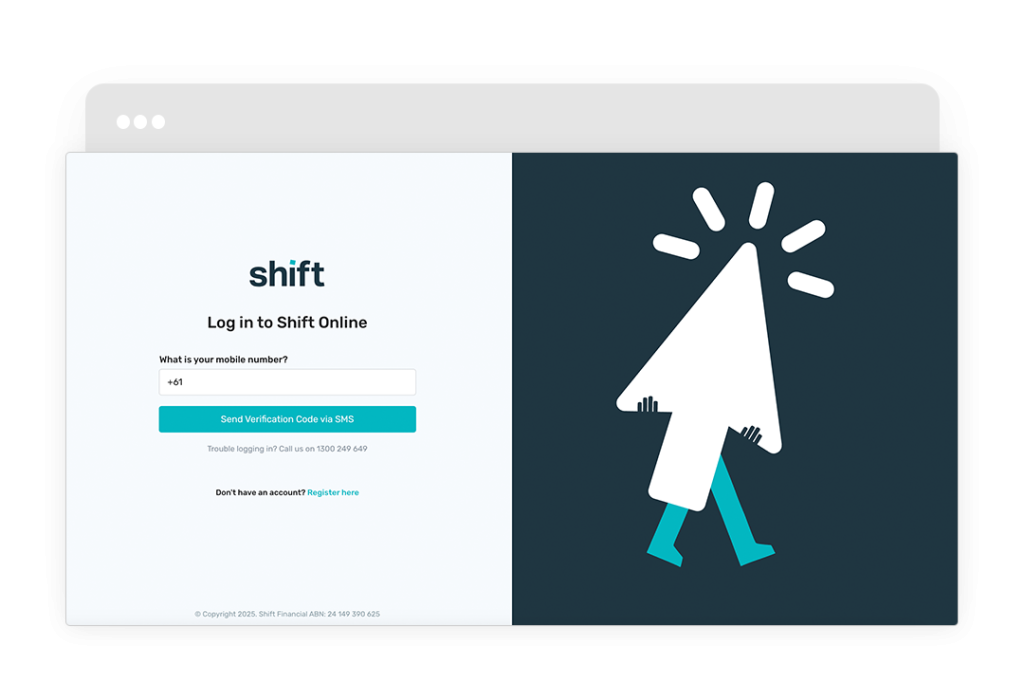
- Log in to Shift Online.
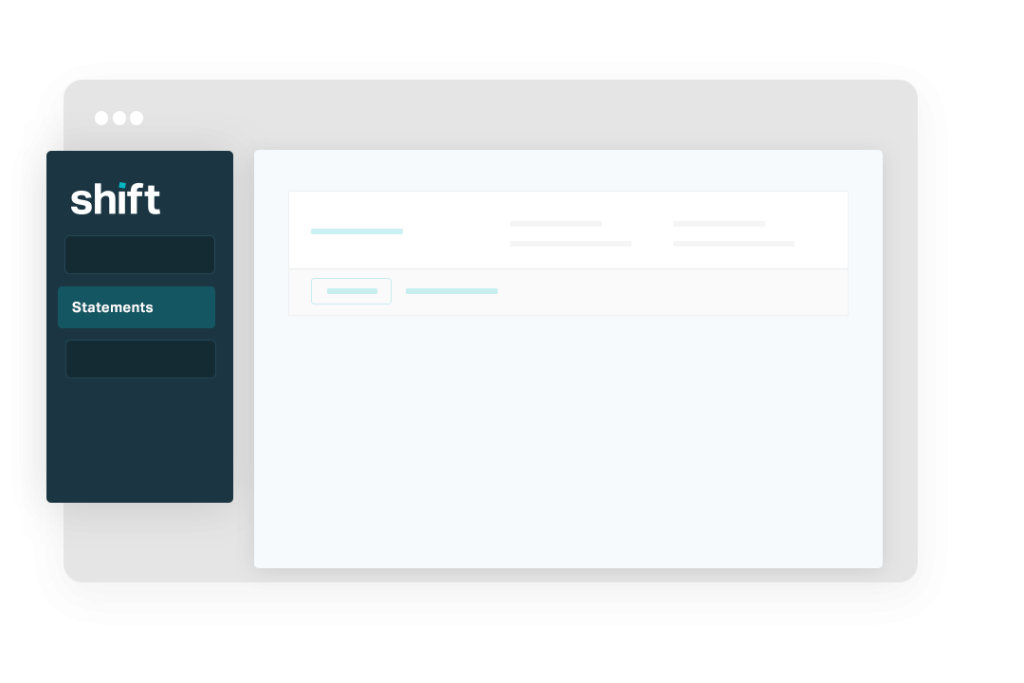
- Go to the left-side navigation and click Statements.
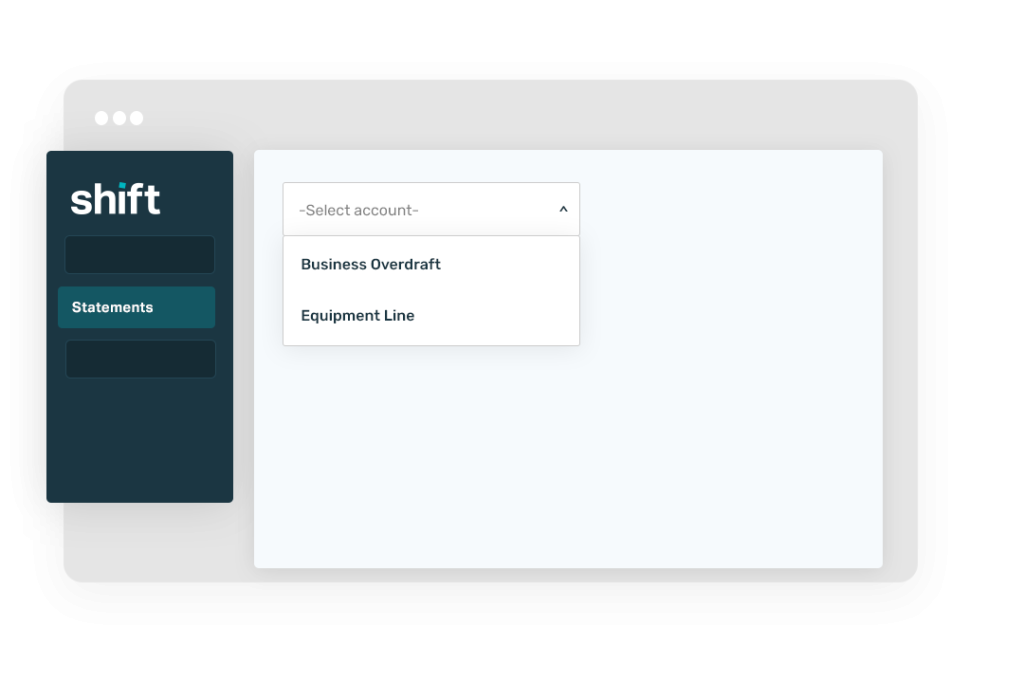
- Select your facility from the drop down.
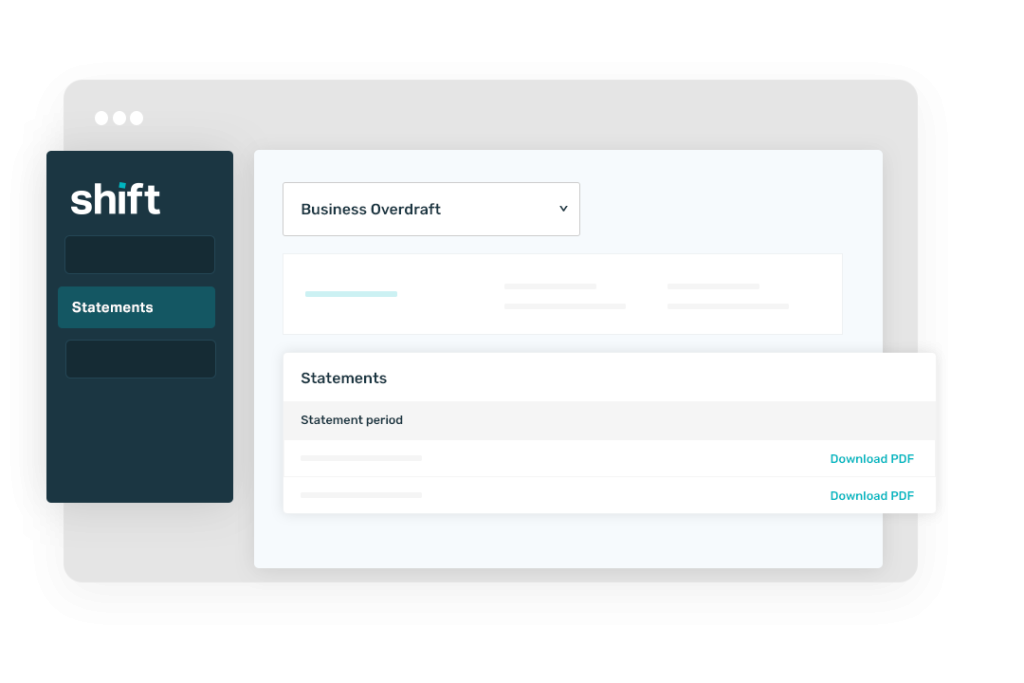
- Click Download PDF for the statement period of your choice.
Log in to Shift Online.
Go to the left-side navigation and click Statements.
Select your facility from the drop down.
Click Download PDF for the statement period of your choice.
Need assistance?
Our friendly team is here to assist you. Please contact us on 1300 249 649 from Monday to Friday (8:00am – 7:00pm AET) and Saturday (9:00am – 2:00pm AET) or email contact@shift.com.au.