
Make additional repayments whenever it suits your business. Repaying early can help free up your available balance and give you more control over your cash flow.
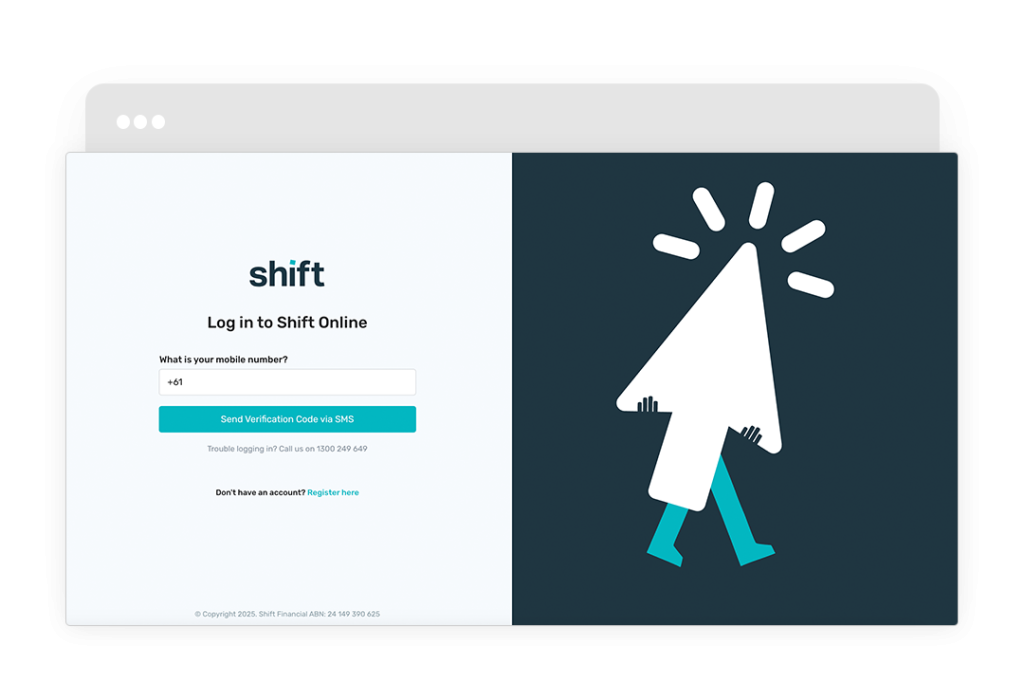
- Log in to Shift Online.
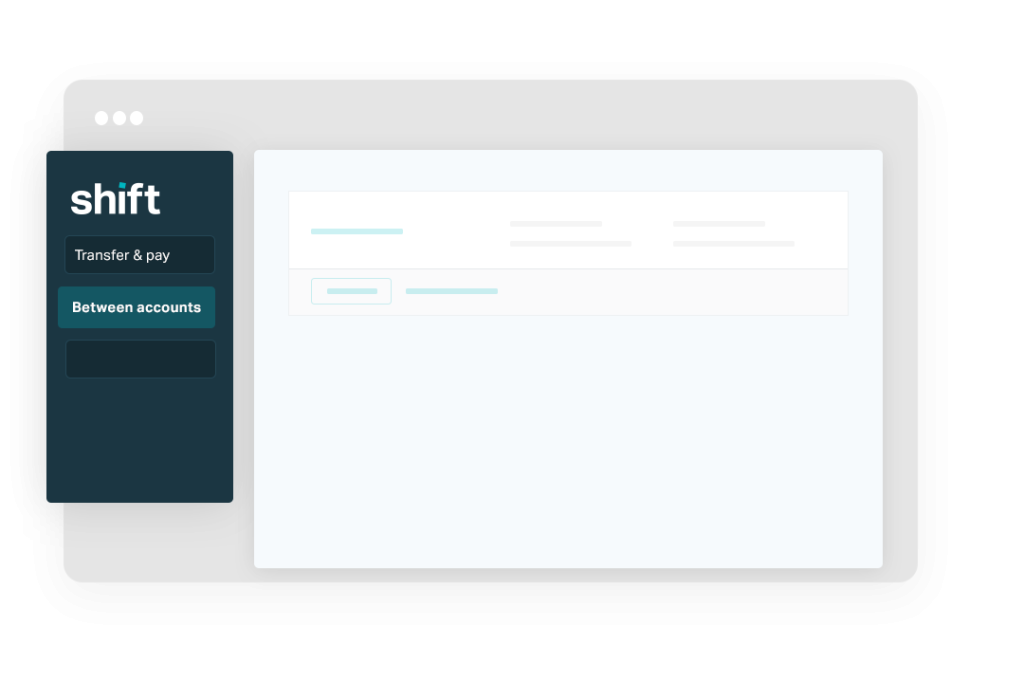
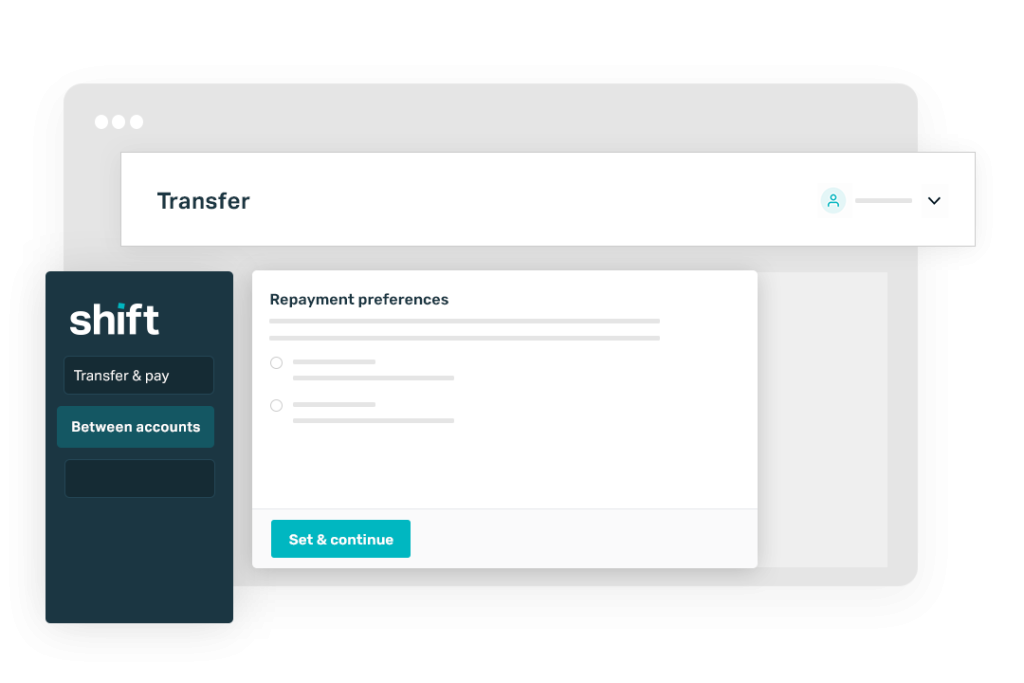
- Go to the left-side navigation panel and click Transfer & pay > Between accounts.
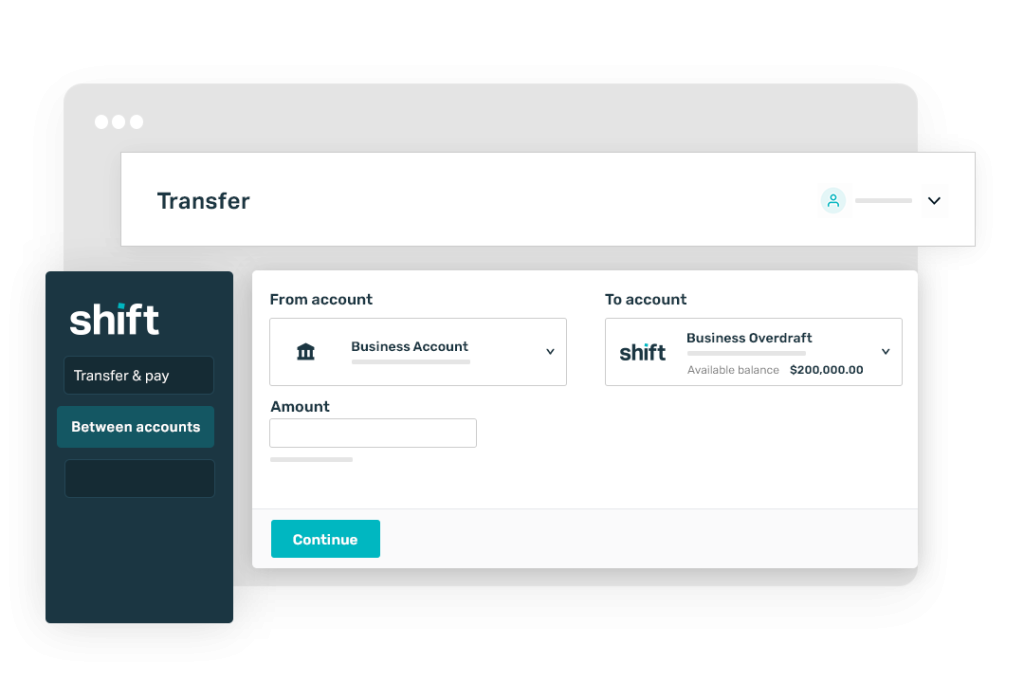
- Select your business bank account in the From account drop down, then select your Business Overdraft facility in the To Account drop down.
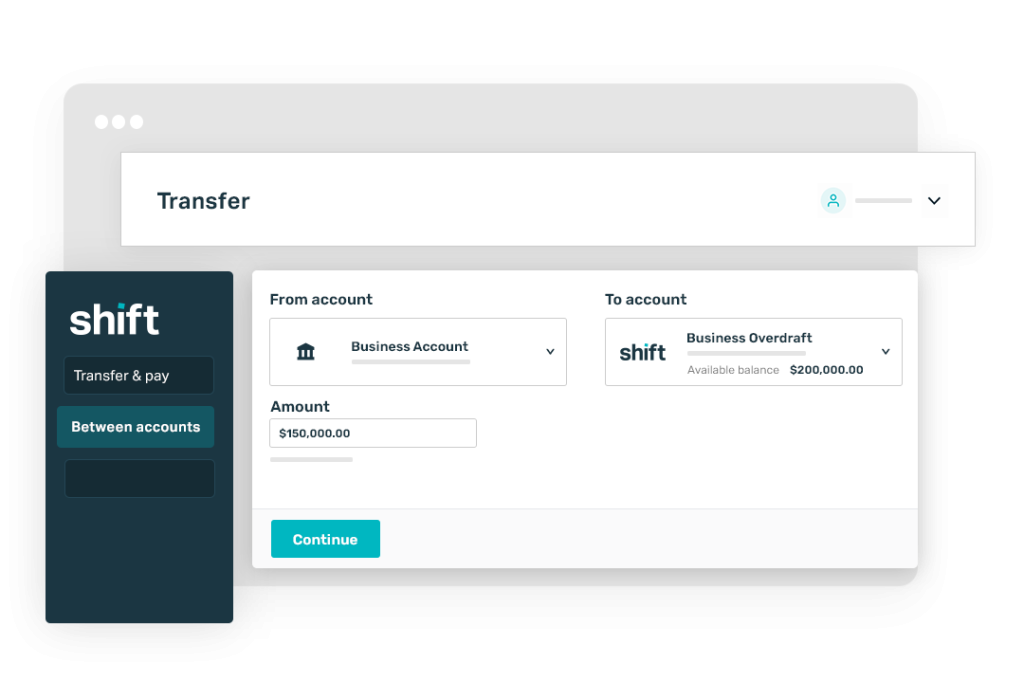
- Input the repayment amount, then click Continue.
- If prompted, select a repayment schedule option, then click Set & continue to confirm.
Log in to Shift Online.
Go to the left-side navigation panel and click Transfer & pay > Between accounts.
Select your business bank account in the From account drop down, then select your Business Overdraft facility in the To Account drop down.
Input the repayment amount, then click Continue.
If prompted, select a repayment schedule option, then click Set & continue to confirm.
Need assistance?
Our friendly team is here to assist you. Please contact us on 1300 249 649 from Monday to Friday (8:00am – 7:00pm AET) and Saturday (9:00am – 2:00pm AET) or email contact@shift.com.au.