
Pay a supplier invoice at any time. We pay your supplier, while you repay us over time. Supplier payments are processed every business day.
Before you start, make sure you have:
- Your entity name, trading name, or director name
- Your supplier’s ABN, payment details, contact information and amount due.
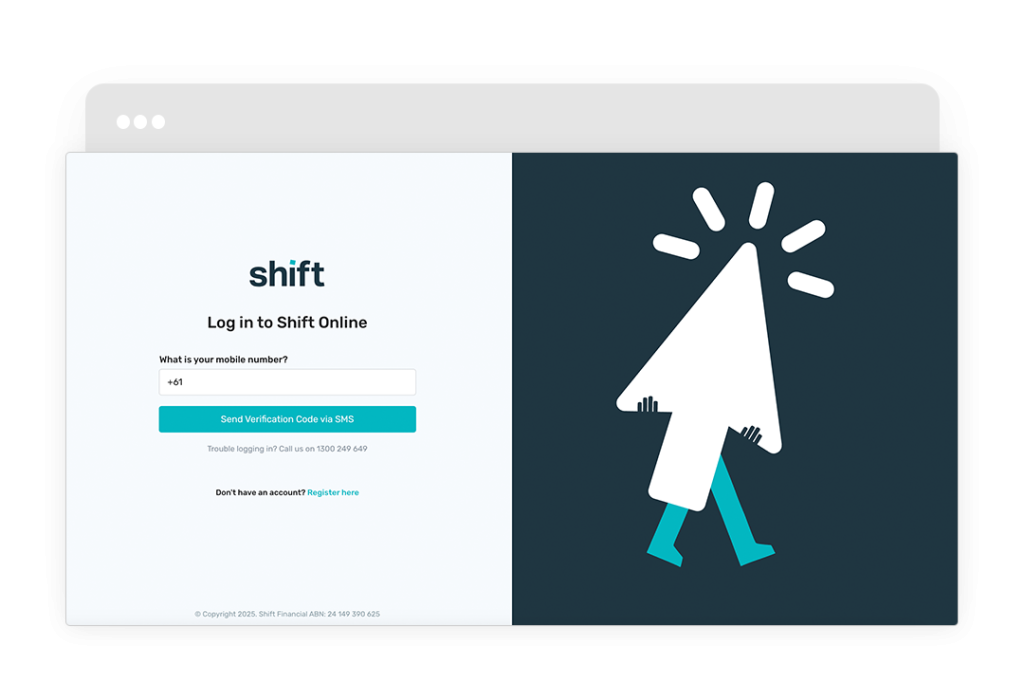
Log in to Shift Online.
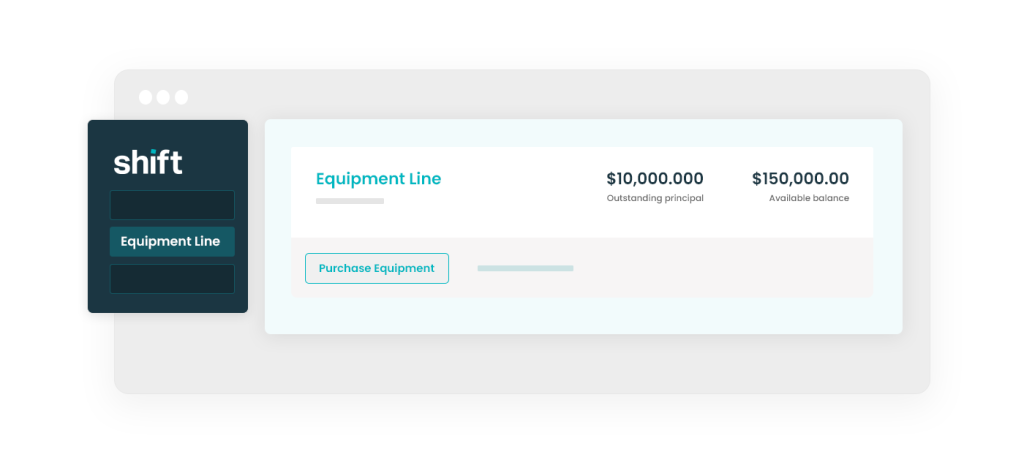
Click Purchase equipment.
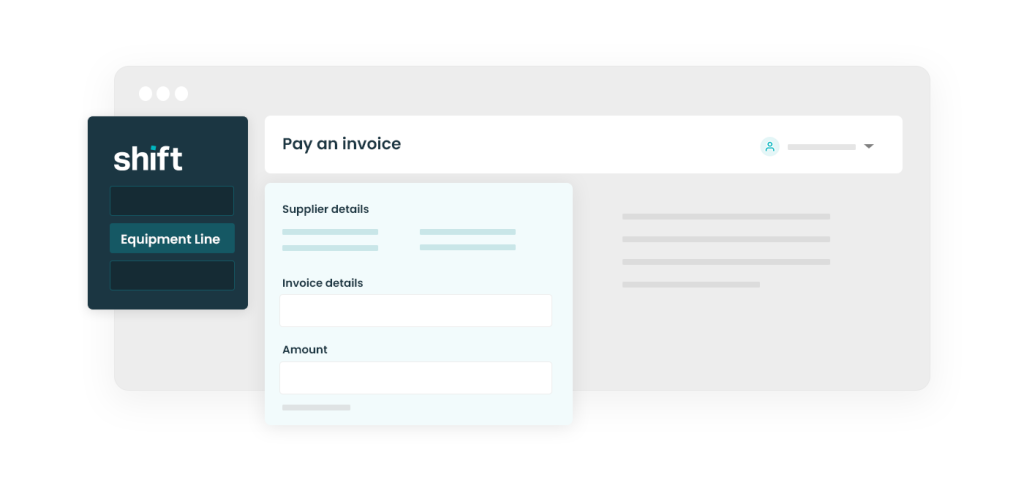
Enter your supplier and invoice details. The amount must match the invoice.
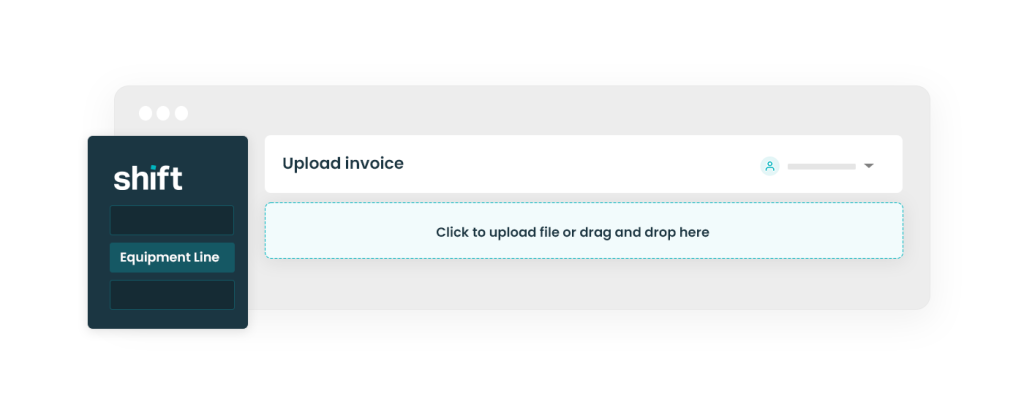
Upload a copy of your invoice. Check that it includes:
- Your entity name, trading name, OR director name
- Your supplier’s ABN, payment details, contact information AND amount due.
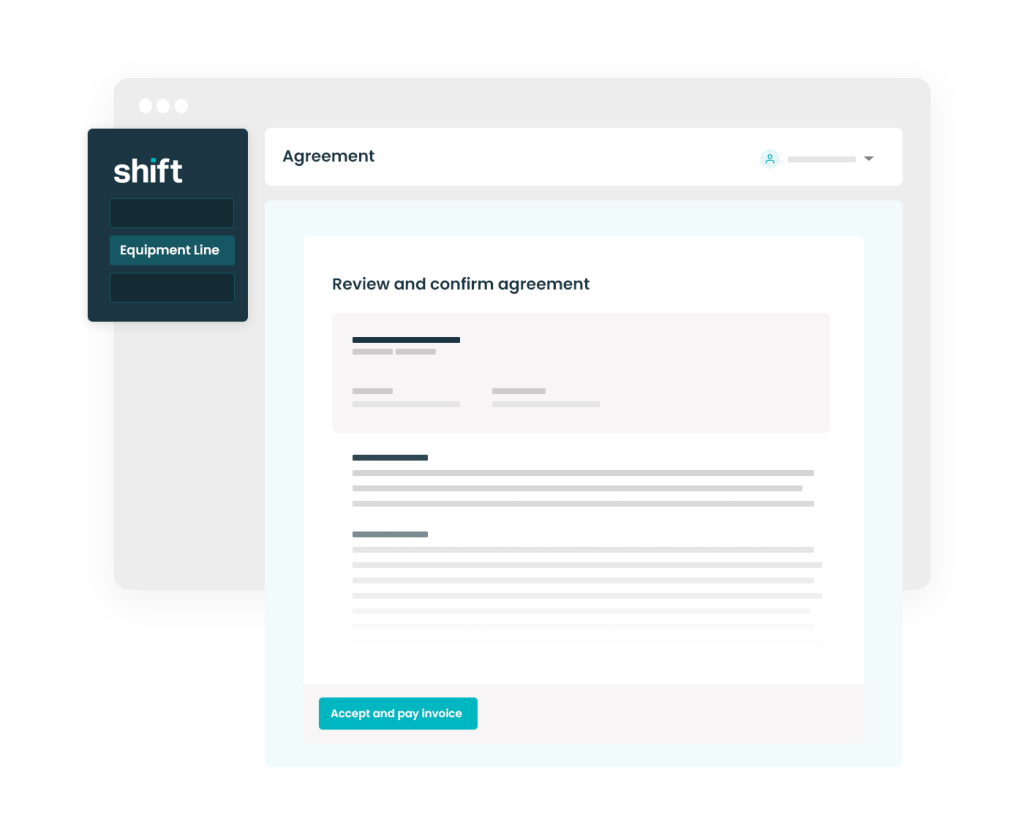
Review your purchase agreement, then click Accept & pay invoice.
Need assistance?
Our friendly team is here to assist you. Please contact us on 1300 249 649 from Monday to Friday (8:00am – 7:00pm AET) and Saturday (9:00am – 2:00pm AET) or email contact@shift.com.au.