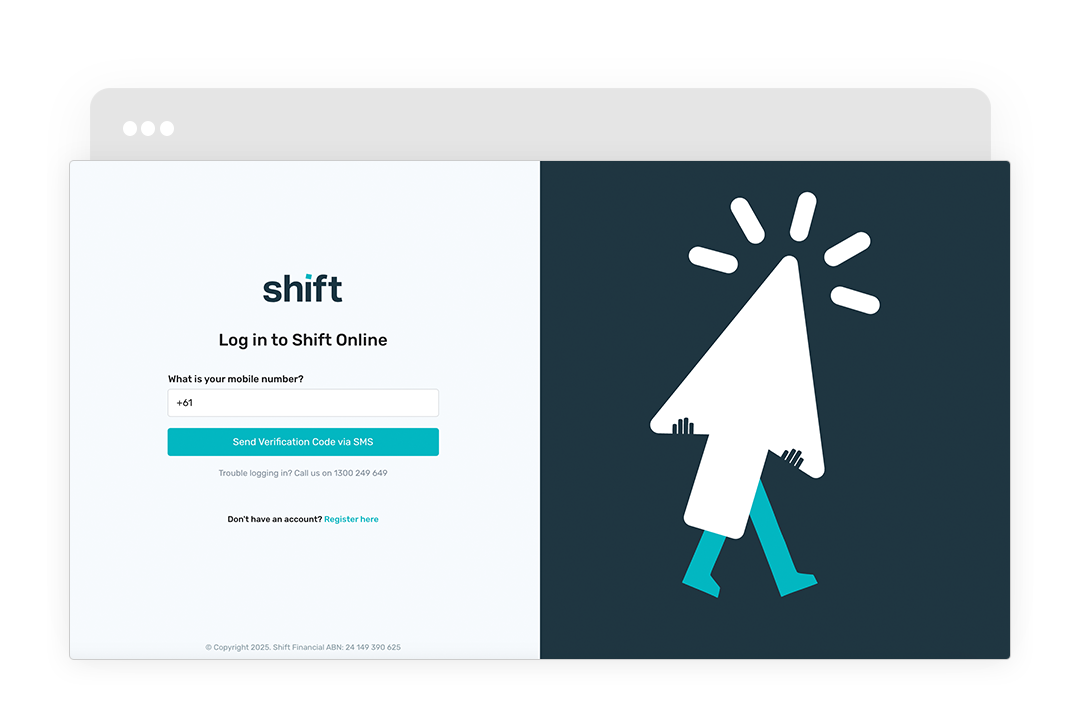
Make additional repayments whenever it suits your business. Repaying early can help free up your available balance and give you more control over your cash flow.
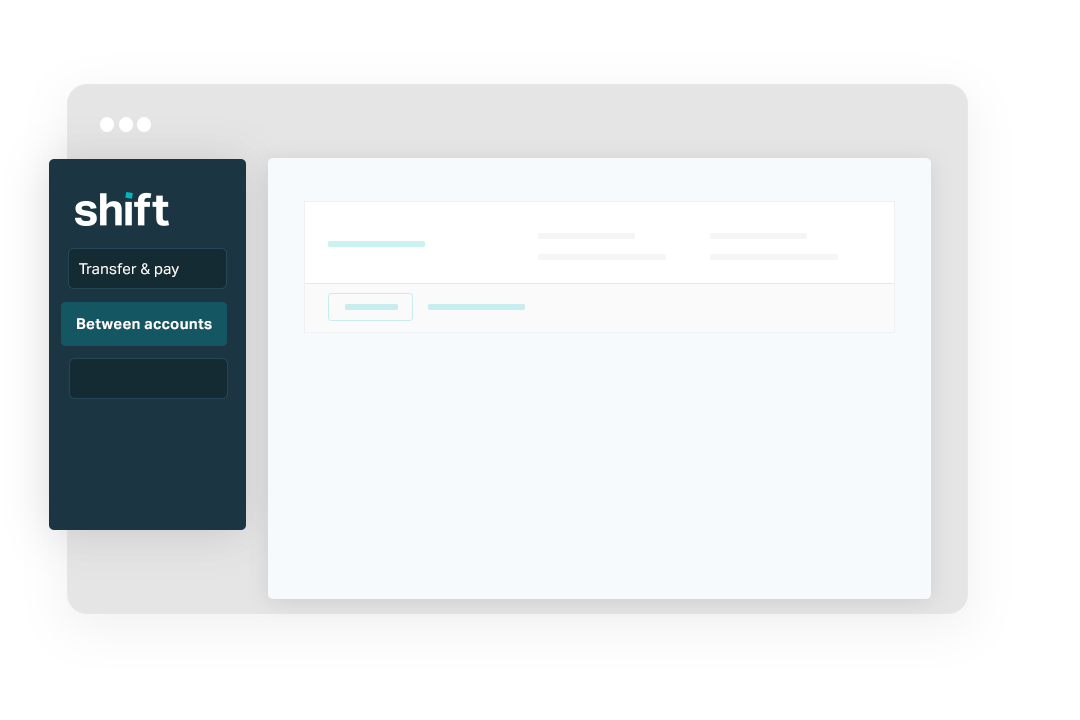
Go to the left-side navigation panel and click Transfer & pay > Between accounts.
Step 3
Select your business bank account in the From account drop down, then select your Business Overdraft facility in the To Account drop down.
Step 4
Input the repayment amount, then click Continue.
Step 5
If prompted, select a repayment schedule option, then click Set & continue to confirm.
Need assistance?
Our friendly team is here to assist you. Please contact us on 1300 249 649 from Monday to Friday (8:00am - 7:00pm AET) and Saturday (9:00am - 2:00pm AET) or email contact@shift.com.au.