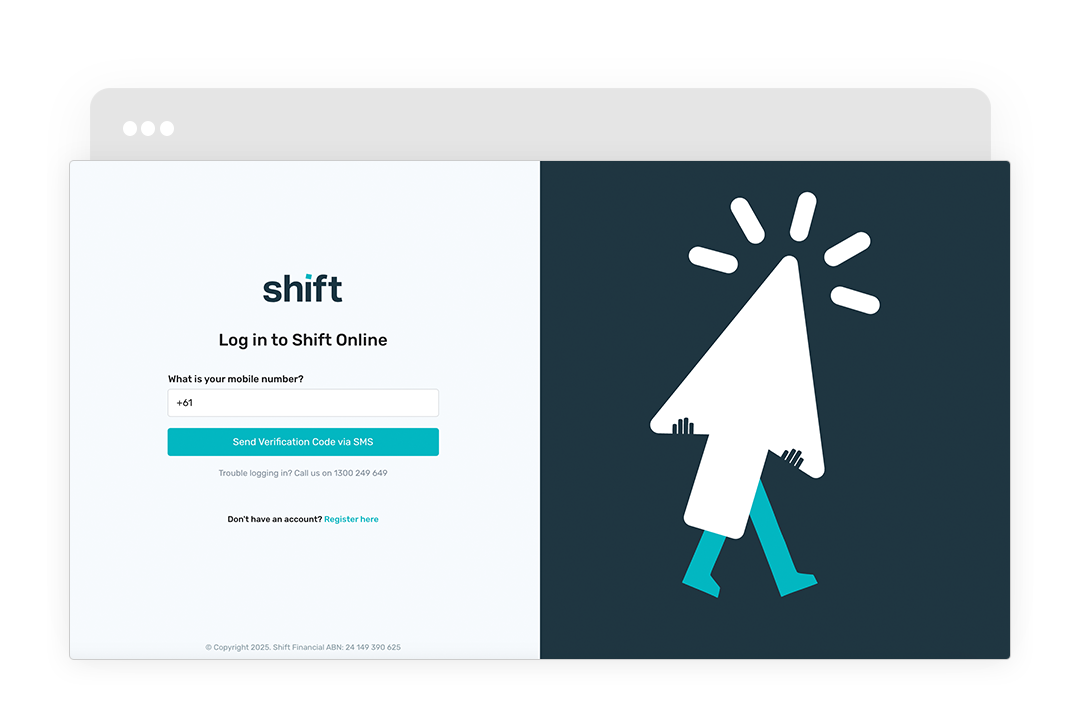
Connect your bank account securely in Shift Online. Your business data is used to service your account and offer additional facility limits and products suitable for your business.
Click +Connect your bank account and follow the prompts to reconnect your current account or connect a new account.
Need assistance?
Our friendly team is here to assist you. Please contact us on 1300 249 649 from Monday to Friday (8:00am - 7:00pm AET) and Saturday (9:00am - 2:00pm AET) or email contact@shift.com.au.