Pay a supplier invoice directly from your Trade Account. We’ll pay your supplier, while you repay us in a way that suits your cash flow.
Before you start, make sure you have:
Choose how you’d like to repay the invoice:
Approve an invoice uploaded by your supplier in Shift Trade.
When your supplier uploads an invoice, you’ll receive an SMS asking you to review and approve the payment.
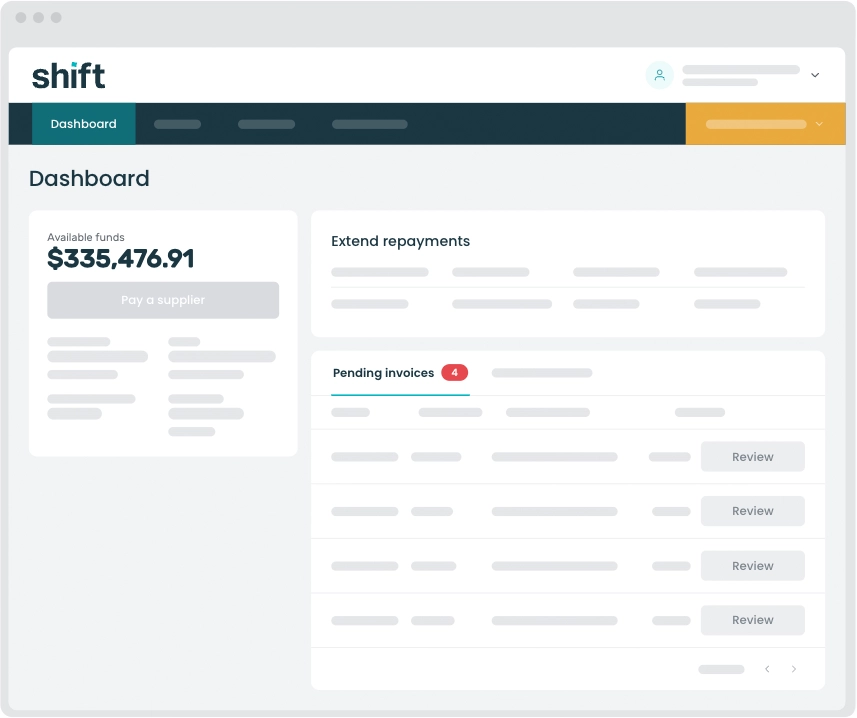
Find the invoice you’d like to approve, then click Review.
If you purchase from a particular supplier regularly, you may want to enable autobilling. When autobilling is turned on, Shift pays that supplier automatically and doesn’t wait for you to approve each invoice. Shift will still send an SMS confirmation to you for each transaction.
In most cases, your repayment will be reflected in your available limit the next business day. Depending on your bank, this process can take up to three business days.
If you choose weekly instalments, repayments to Shift are debited on the same day each week. You can choose which day your repayments are debited to better align with your business cash flow cycles.
You can update your instalment repayment day once every 30 days.
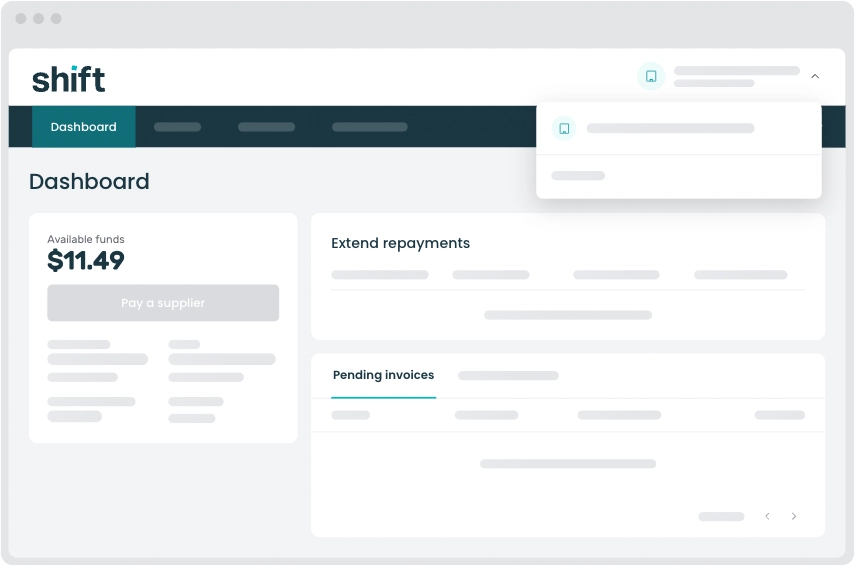
In Shift Online, click the Settings link in the left hand navigation menu.
Navigate to the Repayments tab and to the Trade instalment repayments section to request a new repayment day.
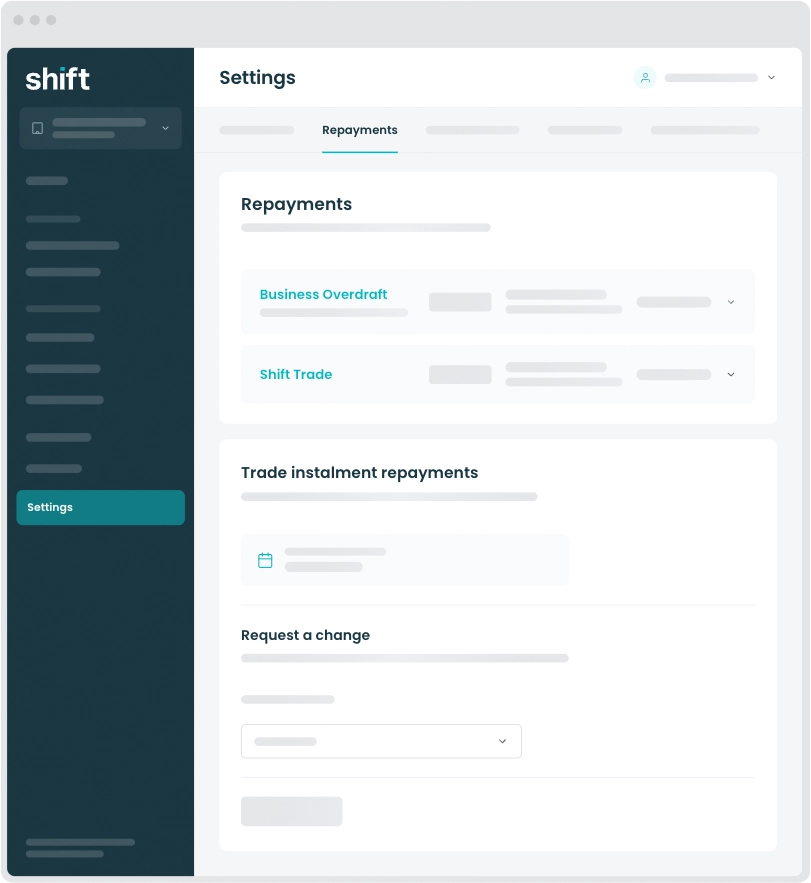
Note: Changes to your direct debit day can take 1–3 business days to process and will only apply to repayments made after the update is complete. If a repayment is already being processed on your current debit day, the change may only apply from the following week.
Note: Changes only apply to weekly instalments. Where you have chosen a date to repay in full, that date will be used regardless of the day of the week you have selected for weekly instalments.
In most cases, invoices are processed the same day. Depending on the destination of the payment, it may take longer to appear in your supplier’s bank account.
Call us on 1300 249 649. Our team will work with you to correct any mistakes.
You will incur a $25 dishonour fee and a second attempt to process the direct debit will be scheduled for the following day.
If the second attempt fails, a Shift team member will reach out to arrange a new payment date.
If you’re experiencing financial hardship or unable to make a catch-up payment, our team will work with you to explore available options.
Yes, the repayment terms on eligible transactions can be extended.
This is true regardless of whether your supplier has offered you trade terms or you have set your own trade terms within Shift Trade.
There are some limitations. Some transactions are not eligible for extensions and you may not be able to extend the repayment terms if you had already selected the maximum 20 week instalment option.
There may be an additional transaction fee for the new terms you choose (this will be clearly displayed when making the new selection).
The amount of time you have to repay is determined by the terms that apply to the invoice.
If your supplier is using Shift Trade to offer trade terms to you, those terms will be communicated each time you are asked to approve an order you have placed (they can also be viewed in the platform). Shift will debit repayment from your nominated bank account according to the terms your supplier has offered and you have approved. There is no cost to you if you repay on those terms. If you would like longer to pay, you can choose to extend those terms (on eligible invoices) and pay a transaction fee.
If you’re using your Trade Account to add trade terms when buying from suppliers who don’t offer trade terms, you choose how long you have to repay. Select the terms that suit your business. The maximum term available is weekly instalments over 20 weeks. You can choose shorter terms – either repay in full or repay in instalments.
Repayments are automatically debited from your nominated business bank account according to the terms that apply to each invoice.
If your supplier is offering terms through Shift Trade, your supplier will select the repayment terms that apply to the invoice and you will be notified of those terms when Shift sends you the SMS notification for the transaction.
If you are using your Trade Account to set your own terms, you will select the repayment terms that suit your needs when you upload the invoice and instruct Shift to pay your supplier.
You will receive an SMS reminder two days before a repayment is due, to let you know the amount that will be deducted from your account.
You can check your schedule of repayments at any time by logging into your Trade Account.
Need assistance?
Our friendly team is here to assist you. Please contact us on 1300 249 649 from Monday to Friday (8:00am - 7:00pm AET) and Saturday (9:00am - 2:00pm AET) or email trade@shift.com.au.